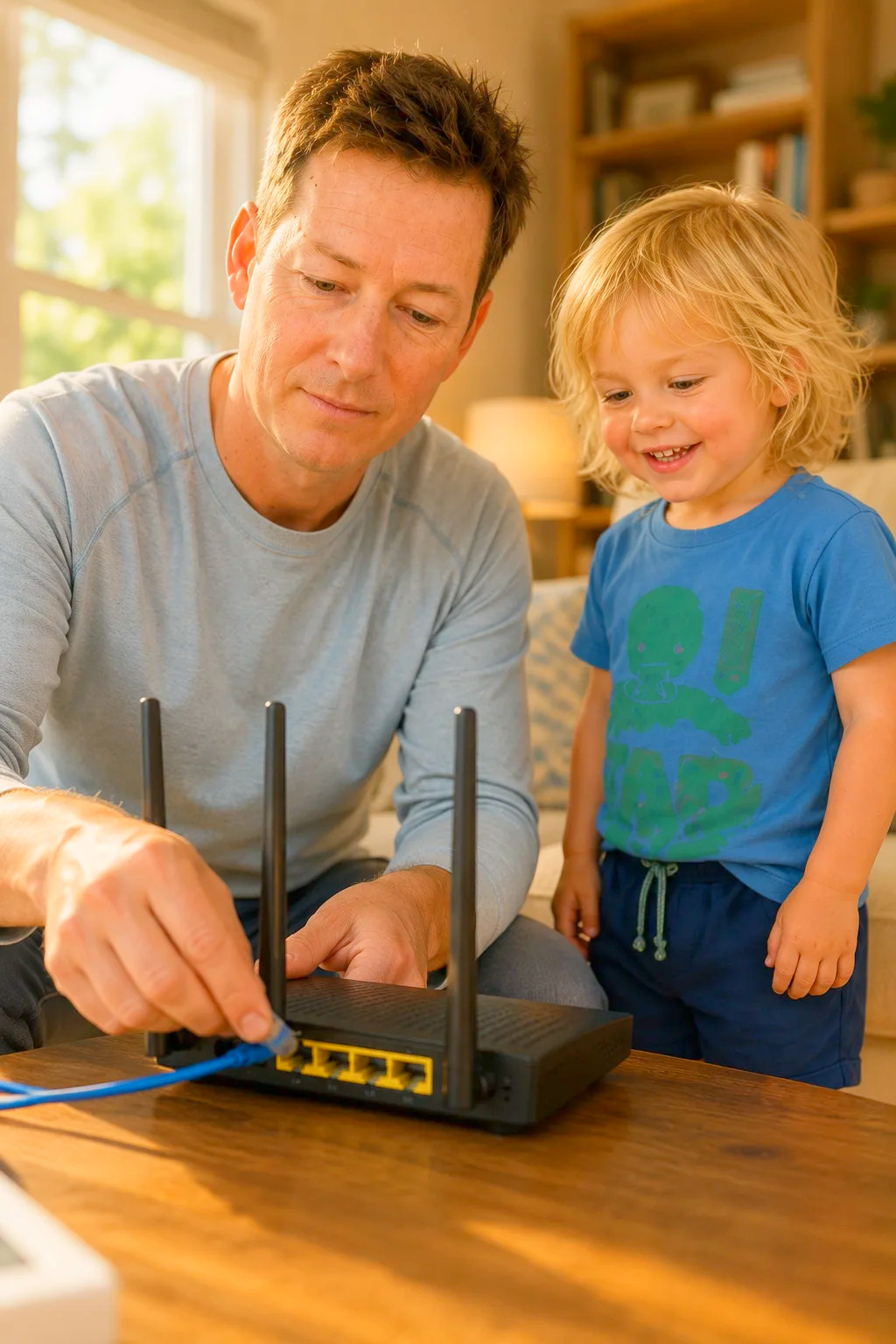
Our Favorite Router
When eight people are streaming, gaming, and doing homework at the same time, a weak router is the first thing everyone notices. The router we chose is the TP-Link Archer A54: it's simple to set up, covers the main floor reliably, and handles a houseful of devices without constant reboots. Here's the one we chose, plus a few others we seriously considered.

TP-Link AC1200 WiFi Router (Archer A54)
This is the router we actually rely on to keep a house full of tablets, laptops, and streaming going at once. It's simple to set up, covers the main floor without a hiccup, and quietly handles eight people's worth of devices without needing a reboot.
Check price on AmazonBefore you buy, check four things: Home size and layout, because one router covers an apartment or a single floor, while bigger or multi-story homes often need mesh. Number of devices, since tablets, phones, consoles, TVs, and smart speakers add up quickly in a family. Your internet plan, because no router can be faster than the service coming into the house. Parental controls, since built-in scheduling and filtering make bedtime Wi-Fi rules much easier to keep.
If you rent a modem from your cable company, a modem-router combo can replace it and cut the monthly fee.
The TP-Link Archer A54 at the top is the one we chose. Below it are the others we considered: Google Wifi and the NETGEAR Orbi for homes that need mesh coverage, and the Netgear Nighthawk combo for cable internet households that want to stop renting a modem.
What else we considered
 Also considered
Google Wifi
A simple mesh system you manage from a phone app. Add more points to cover a larger house, and pause the kids' devices at dinner.
Check price Also considered
NETGEAR Orbi 370 Series Dual-Band WiFi 7 Mesh System for Home
A newer WiFi 7 mesh system for bigger homes. It costs more, but it spreads fast, steady coverage across multiple floors.
Check price Also considered
Netgear Nighthawk Cable Modem WiFi Router Combo
A cable modem and router in one box. It can replace a rented modem from your cable provider, which pays for itself over time. Cable internet only.
Check priceWhy we chose it
In a full house, the Wi-Fi is basically another member of the family, and when it goes down the complaints arrive from every room at once. Mom is mid-call, our oldest is mid-download, the little ones’ show freezes at the worst possible second, and suddenly everyone is standing in the hallway asking Dad to fix the internet like he personally broke it.
We picked the TP-Link Archer A54 (AC1200) as our everyday router because it does the essential job well without any drama. It pushes a steady dual-band signal across the main floor, sets up quickly, and—at around thirty-five dollars—it costs about what a couple of pizzas do, which made it an easy yes for a family that would rather not sink a fortune into networking gear.
We looked at some pricier routers loaded with features we would never touch, but for a house our size the Archer A54 covers what we actually need at a fraction of the cost. It has stayed steady through video calls, homework, and a living room full of streaming, and when the budget matters as much as it does around here, dependable and inexpensive beats flashy every time. It just quietly keeps everyone online.
More from our house
 Family Headphones
Best Headphones for Families in 2026: What We Actually Use
Eight people, one house, and a permanent argument about volume. Read the guide
Family Headphones
Best Headphones for Families in 2026: What We Actually Use
Eight people, one house, and a permanent argument about volume. Read the guide
 Printers
Our Favorite Printer
Permission slips, field trip forms, and homework printouts always seem to be due the next morning. Read the guide
Printers
Our Favorite Printer
Permission slips, field trip forms, and homework printouts always seem to be due the next morning. Read the guide
 Noise-Canceling Headphones
Our Favorite Noise-Canceling Headphones
For blocking out a loud, busy house, the noise-canceling headphones we chose are the Bose QuietComfort — they quiet the… Read the guide
Noise-Canceling Headphones
Our Favorite Noise-Canceling Headphones
For blocking out a loud, busy house, the noise-canceling headphones we chose are the Bose QuietComfort — they quiet the… Read the guide